Manage Parts Profiles
On the Parts Profile Setting page, you can manage parts profiles.
How to
 Duplicate a Profile
-
Navigate to and open a profile. See Search Profiles for more information on how to find profiles.
-
Select the Setting tab.
-
Select Duplicate.
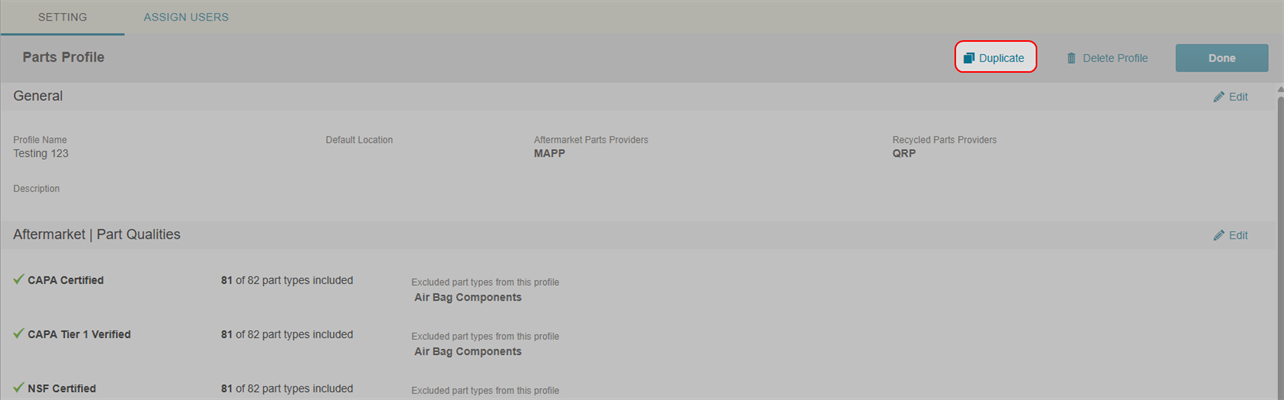
-
In the Duplicate Profile window, review the Duplicate Profile Name and Description.
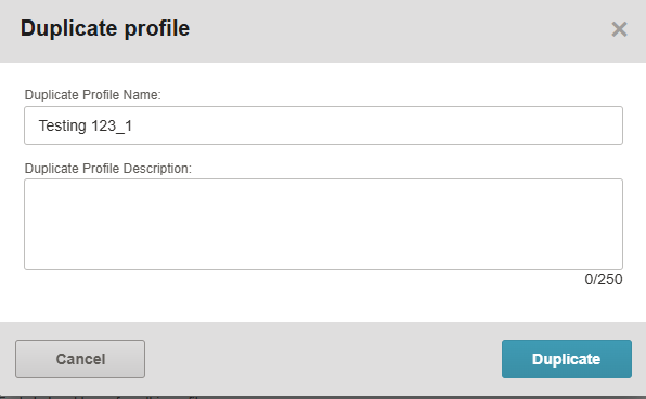
-
Select Duplicate.
Delete a Profile
-
Navigate to and open a profile. See Search Profiles for more information on how to find profiles.
-
Select the Setting tab.
-
Select Delete Profile.
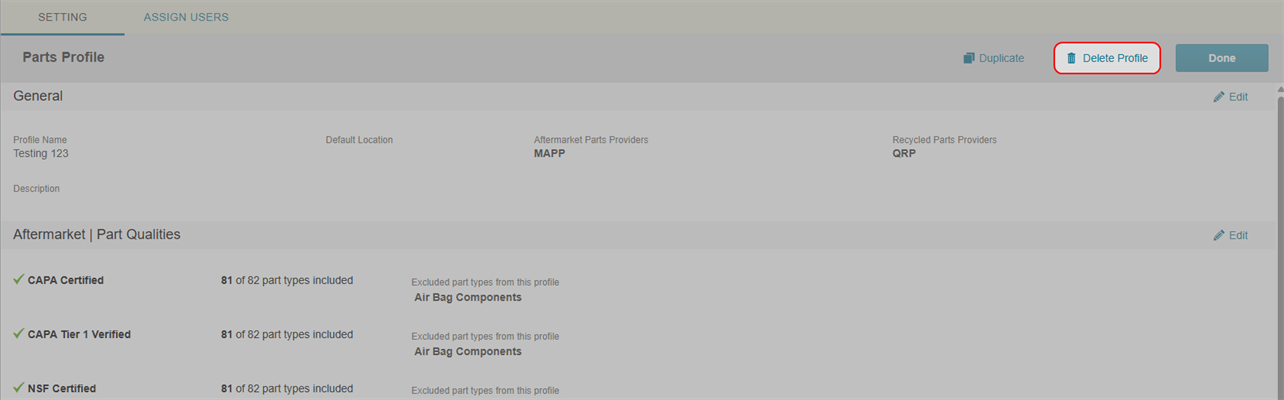
-
In the Delete Profile window, select Delete.
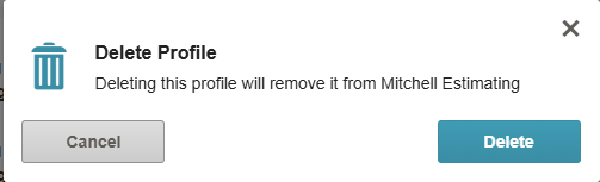
Note: Deleting a profile is not a permanent deletion. Deleted profiles can be searched and restored.
Restore a Deleted Profile
-
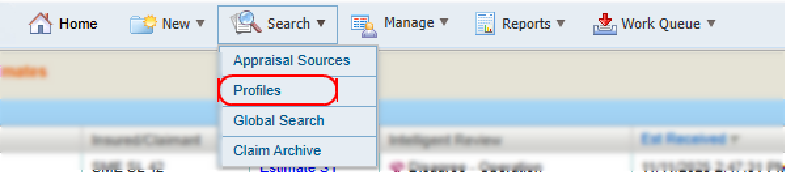
On the Search menu in the navigation bar, select Profiles.
-
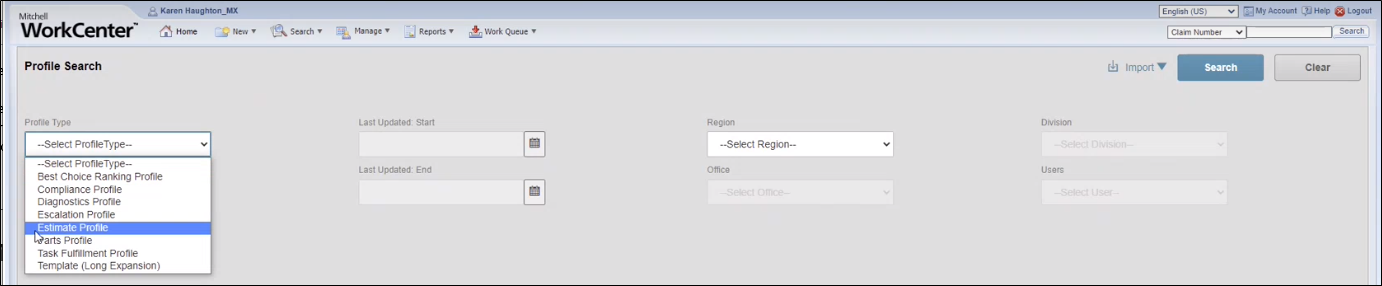
Enter the desired search criteria.
Note: To return all records, leave all criteria blank.
-
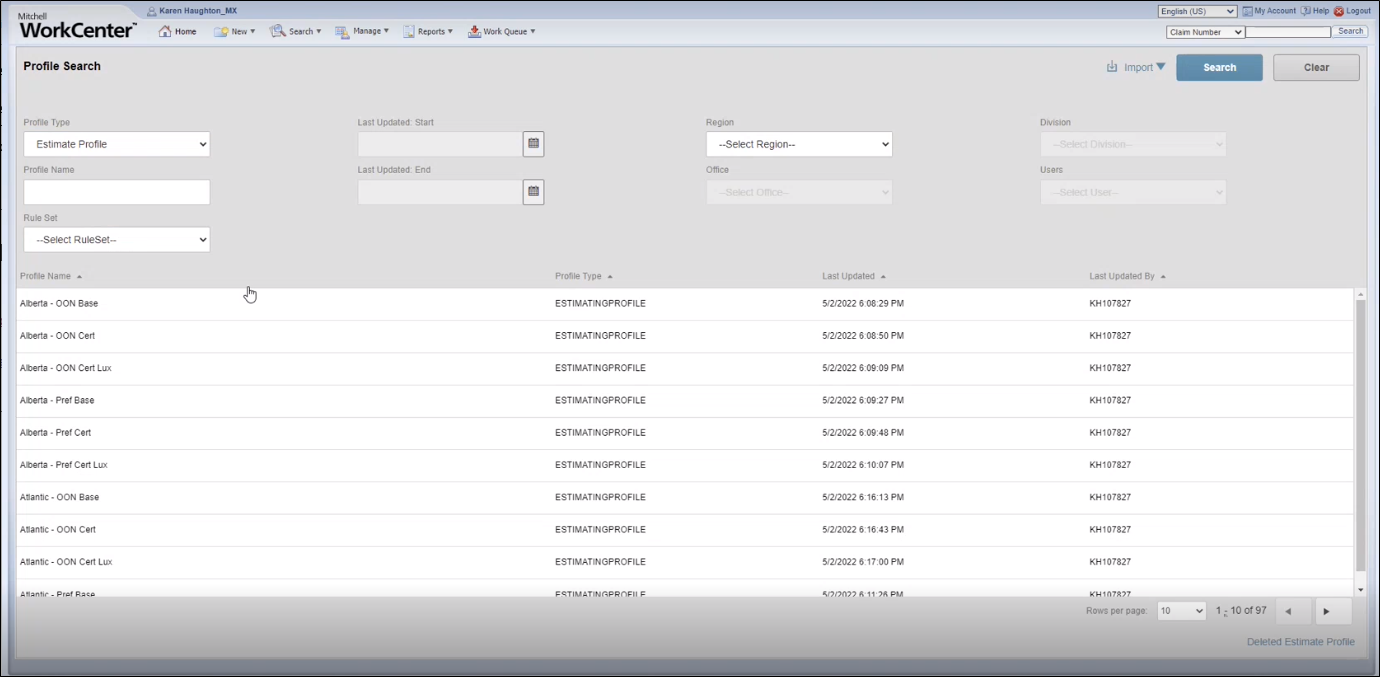
Select Search to view the Search Results list.
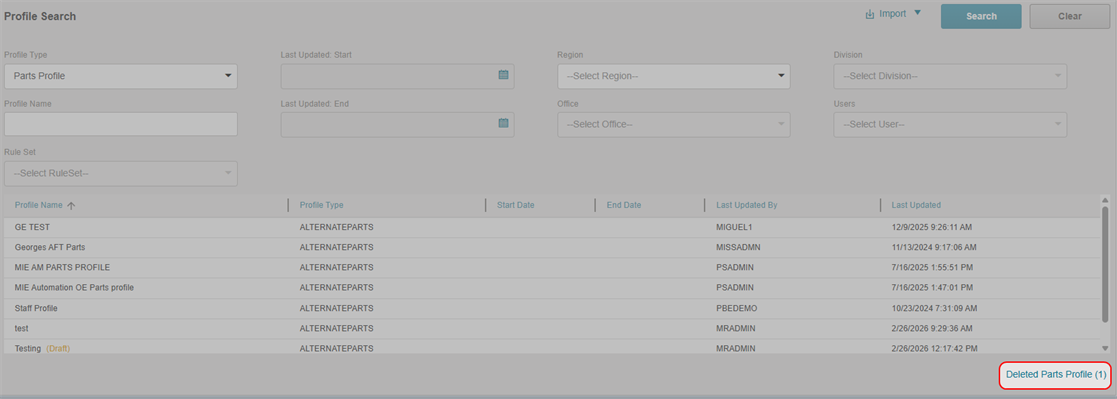
- Select Deleted Parts Profiles in the lower-right corner of the search results page.
- Select Restore Profile next to the parts profile you want to restore.
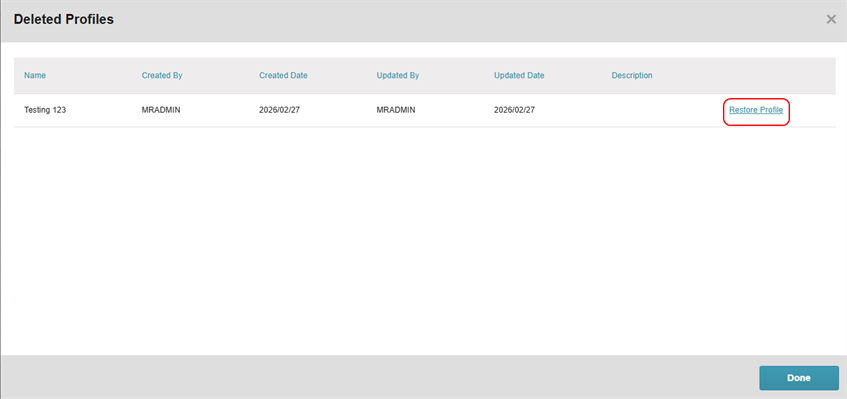
- Select Done.
Related topics
