Create and Manage Groups (Dispatch Centers and Teams)
Dispatch Centers and Teams are organizational groups for managing work assignments. In WorkCenter, create and manage:
-
Dispatch Centers: Defined work hubs with specific characteristics (e.g. territory, assignment duration, expertise, and hours of operation).
-
Dispatch Teams: Teams of resources associated with a center to help manage the work of large Dispatch Centers.
Dispatch Centers and Teams allow you to group assignments and resources into queues so you can separate and track work more easily.
How to
 Create a Dispatch Center
-
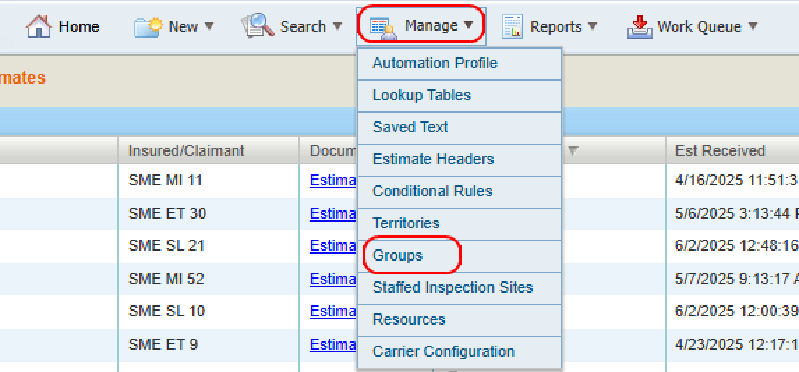
On the Manage menu in the navigation bar, select Groups.
-
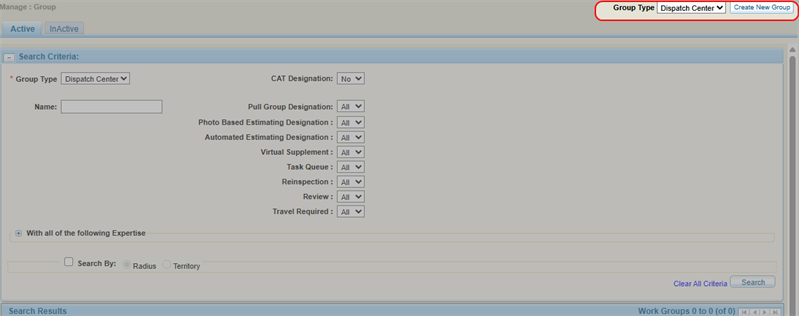
Select Dispatch Center from the list.
-
Select Create New Group.
-
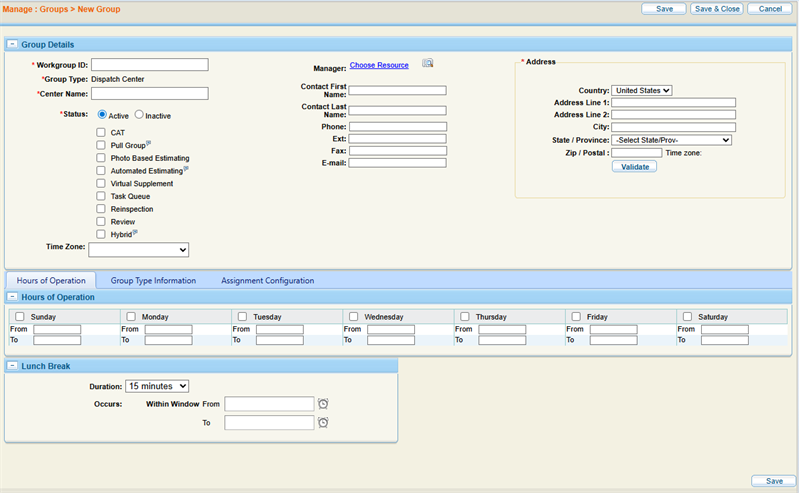
Complete the required information in the Group Details section.
-
Enter any additional information as desired in the Hours of Operation, Relationships, Events, Group Type Information, and Assignment Configuration tabs.
-
Select Save to save your information and continue working, or select Save & Close to save and finish.
Create a Dispatch Team
-
On the Manage menu in the navigation bar, select Groups.
-
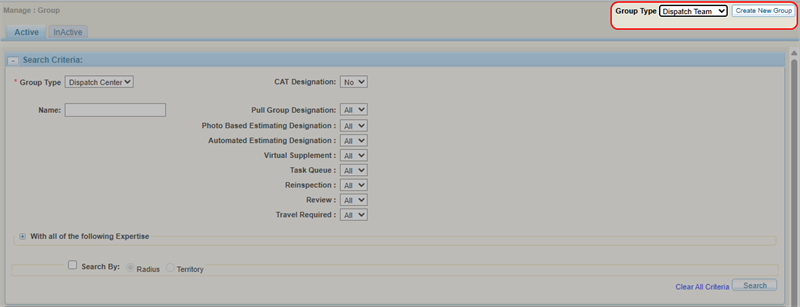
Select Dispatch Team from the list.
-
Select Create New Group.
-
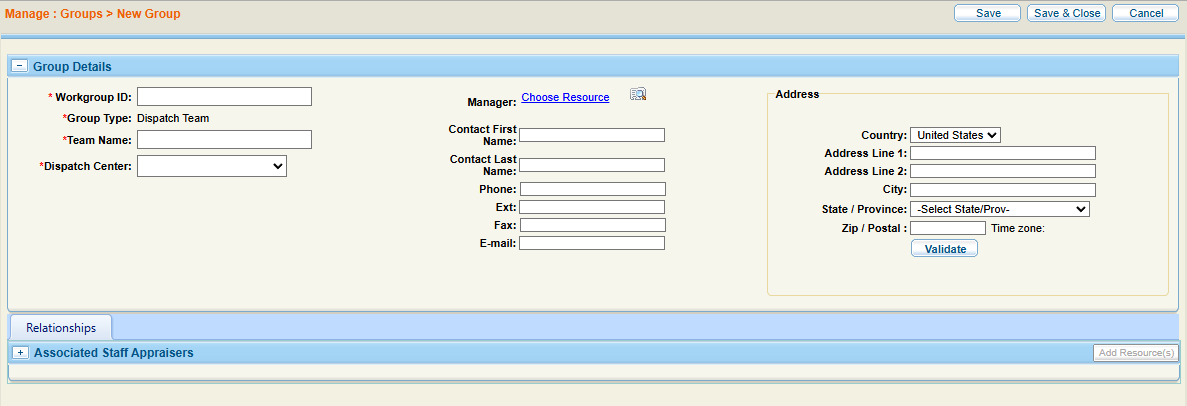
Complete the required information in the Group Details section.
-
Optionally, add resources to the dispatch team.
-
Select Save to save your information and continue working, or select Save & Close to save and finish.
Related topics
