Canceling an Assignment
You can cancel assignments using the assignment details window.
How To
 To cancel an assignment
- Find the assignment.
- On the Work Queue menu, select Assignments. Then, click the Sent Assignments or the Not Sent Assignments tab and filter and sort the list as needed so that you see assignment you want.
- If you know the claim-suffix number, use the Search feature to find the assignment you want.
- Click the Claim-Suffix number to open the assignment.
- Click Cancel Assignment.
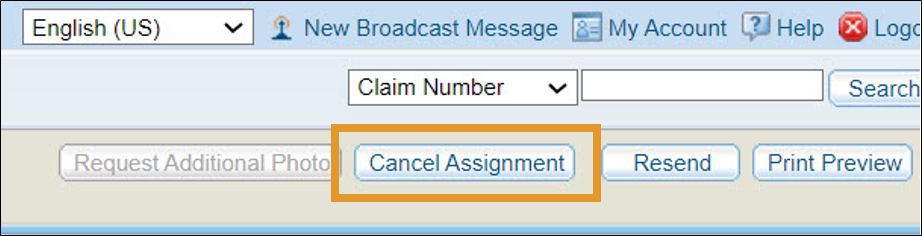
The assignment closes and the Work Queue returns to the Not Sent Assignments tab.
You can confirm that the assignment was canceled by searching for the assignment and checking the Status column.
