Uploading PDF Estimates
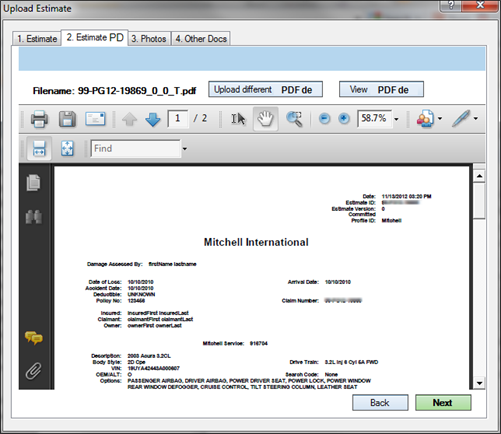
You can upload or change PDF images of your estimate using the Estimate PDF tab.
Note: If you are a user of the Mitchell Estimating solution and you are using the default paths configured for PDF output, your estimate PDF displays automatically on this tab.
How to
 Upload estimate PDFs
-
After attaching your committed estimate, click Upload Estimate PDF from the Estimate PDF tab.
-
Select the PDF for upload with the committed estimate, and then click Open.
-
(Optional) Click Upload different Estimate PDF.
-
(Optional) Click View Estimate PDF to add a different PDF of the committed estimate or to view it outside of the uploader.
-
Click Next or click Back to go to another Upload Estimate tab.